
<- back to projects

$ open ./projects/tripbuddy

TripBuddy icon

TripBuddy

Plan smarter city trips with AI itineraries, realistic breaks, maps and guide sessions. TripBuddy turns a city idea into a practical day-by-day travel plan.

FlutterFirebaseGoogle MapsAdMobPlay Billing
TripBuddy app preview

Store summary

Choose travel dates, starting point, interests, transport mode and break preferences. TripBuddy builds an itinerary with sights, food stops and timing that can be adjusted during planning or while traveling.

Who it is for

TripBuddy is built for travelers who want more than a generic list of attractions. It helps structure the day, keep breaks in mind and adapt the route when something changes.
Key features

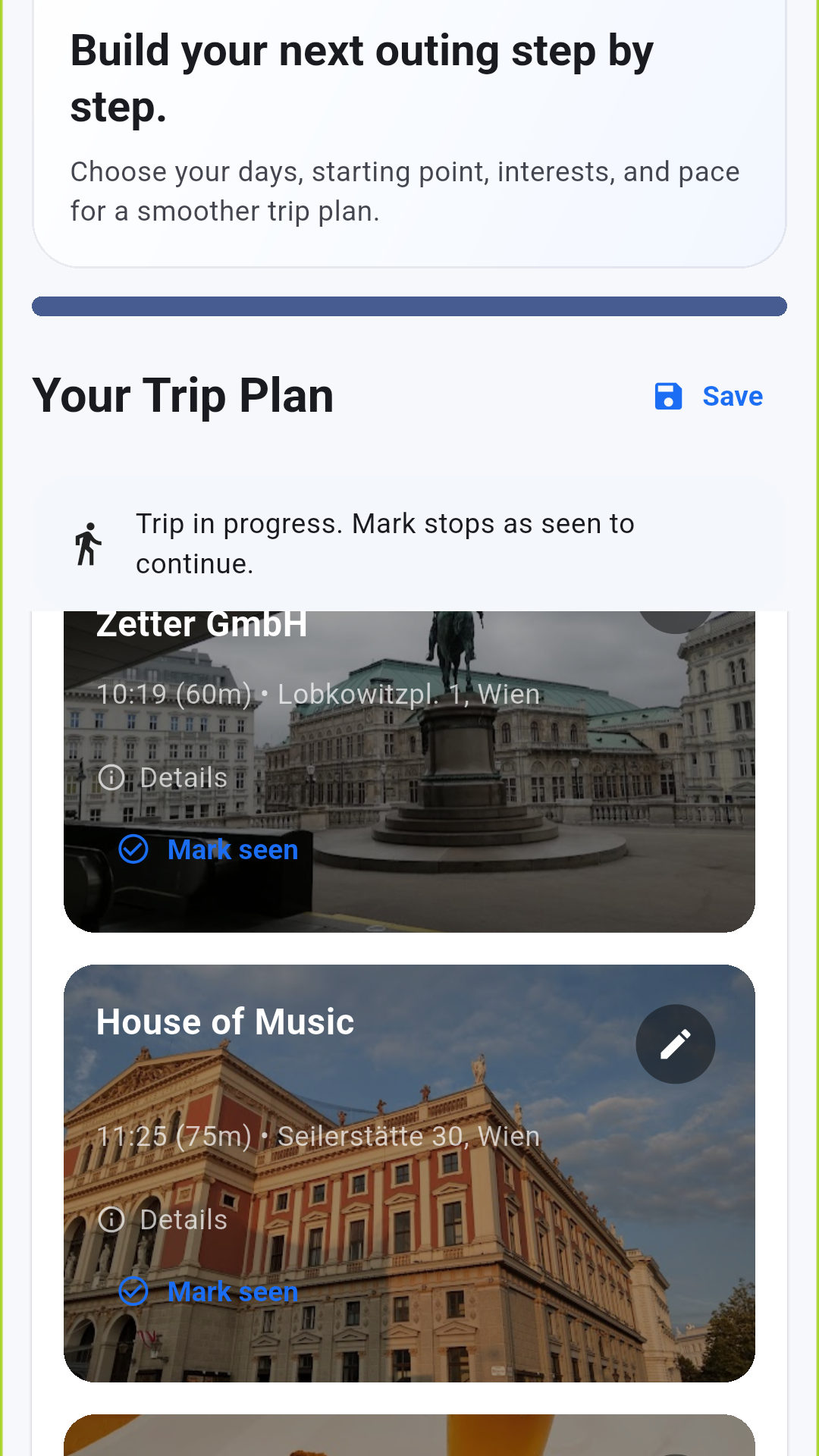
  • Create city itineraries for single-day and multi-day trips
  • Add restaurant and rest breaks to keep plans realistic
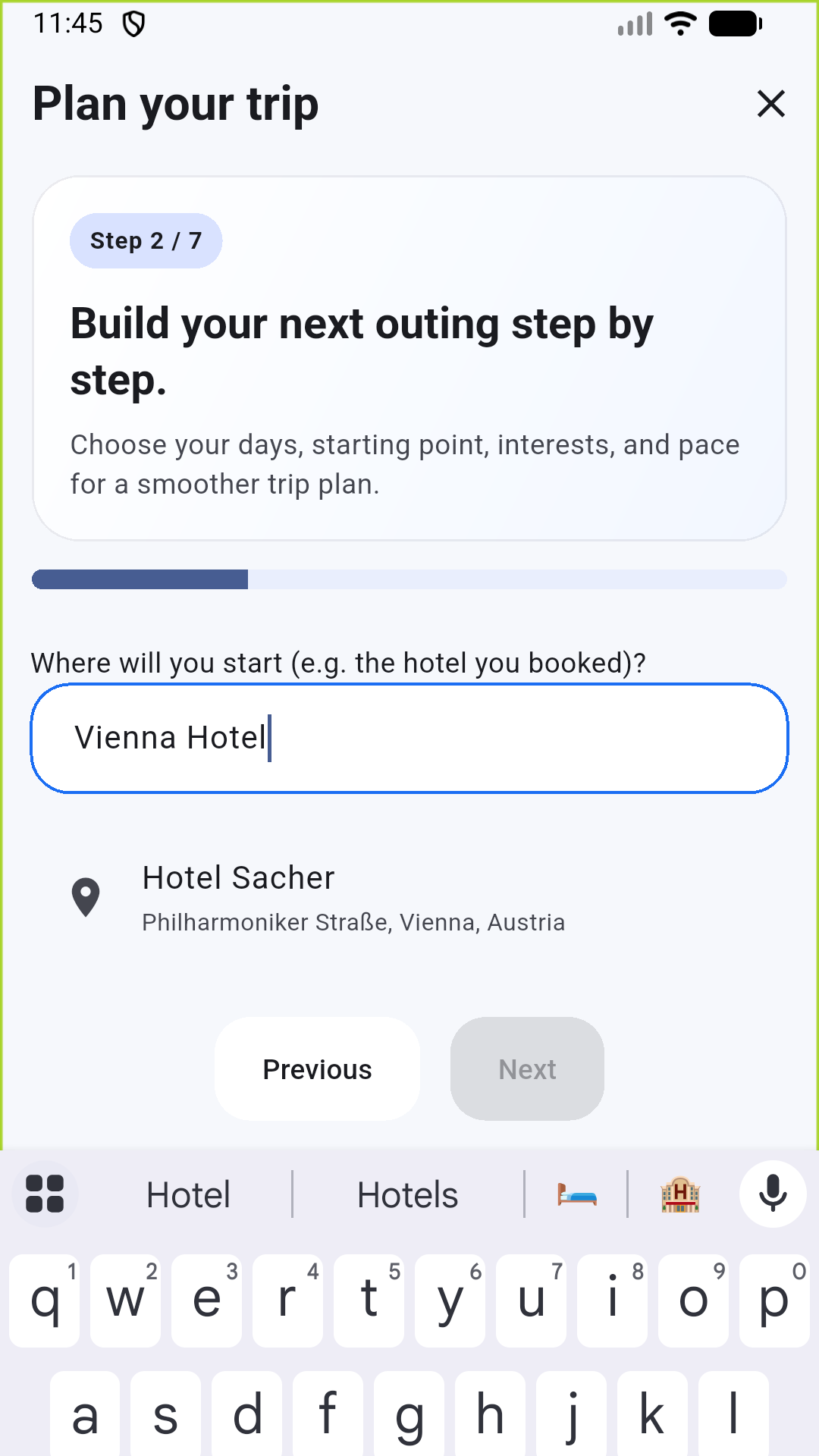
  • Search places and swap stops when plans change
  • Open route guidance for planned stops
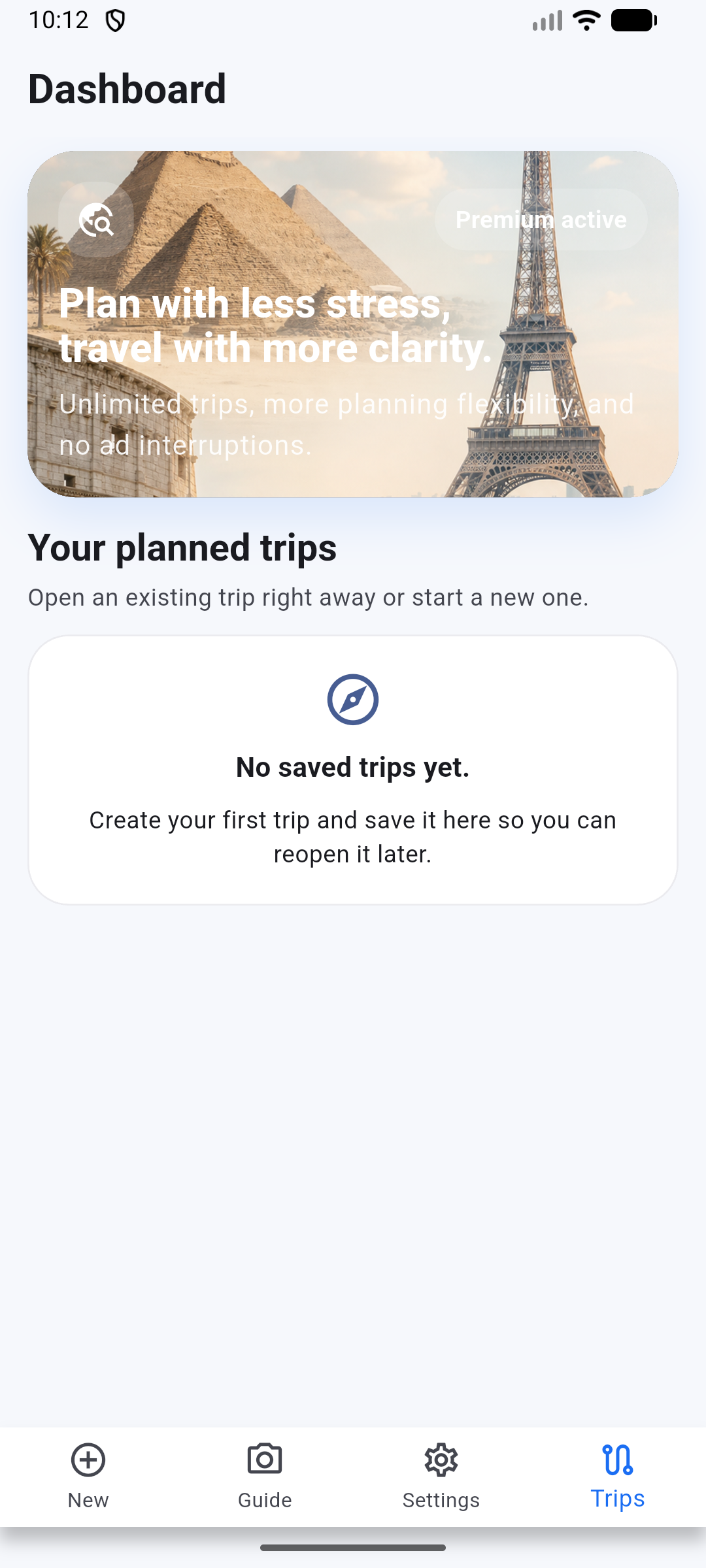
  • Save trips and review the itinerary later
  • Use guide mode to explain landmarks, signs, artwork, food or objects from a photo
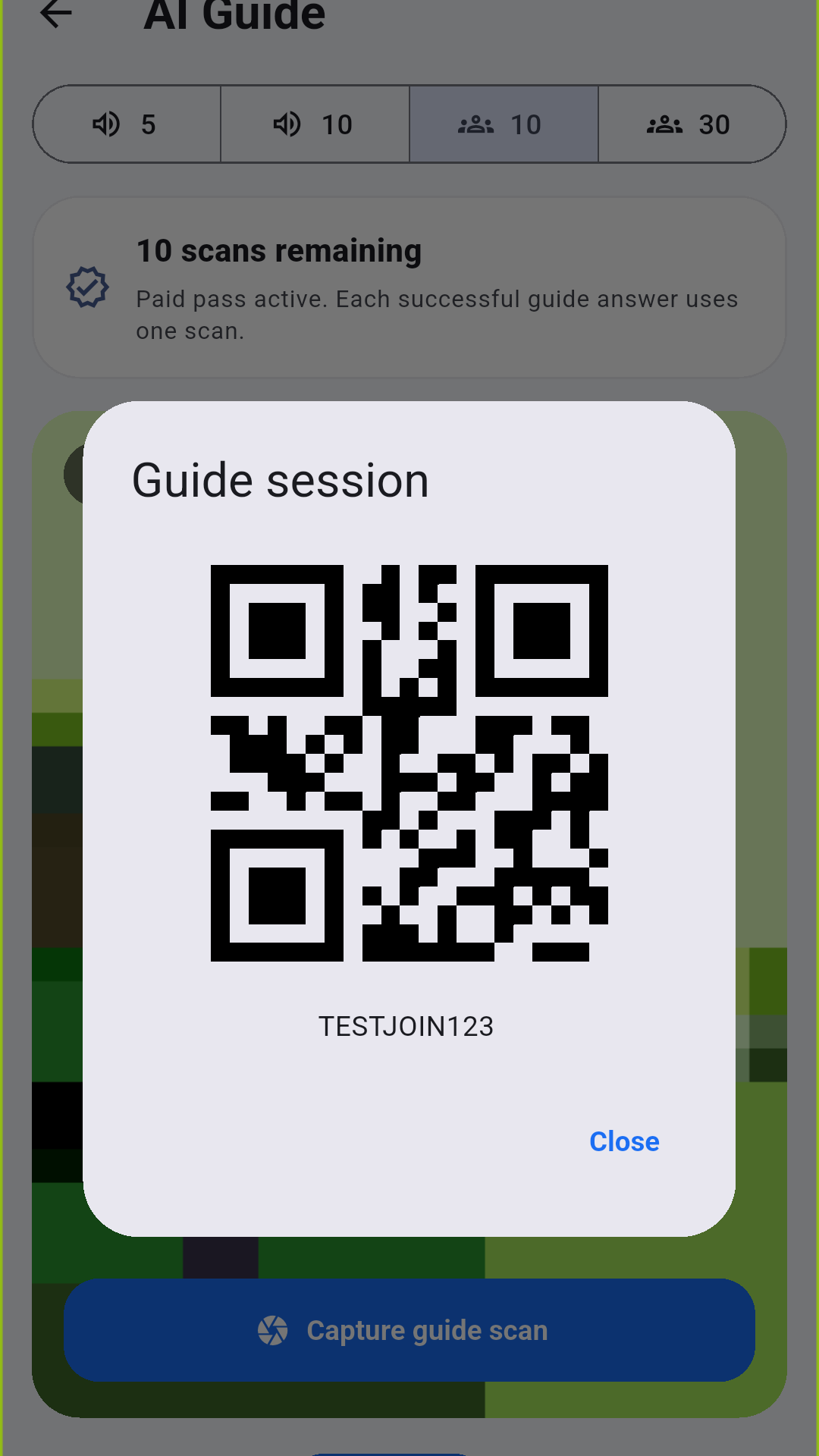
  • Share guide sessions with a QR code or session code
  • Get optional trip reminder notifications before your plan starts
TripBuddy dashboard
TripBuddy place search
TripBuddy trip with planned breaks
TripBuddy QR invite

Review notes

  • Camera access is used only when the user opens guide mode and takes or selects a photo for an AI explanation.
  • Notification permission is used for optional trip reminders.
  • Location and place planning use typed start addresses and place search data.
  • Premium purchase verification uses Google Play Billing when the Play Console release setup is active.

Release support

The public store listing assets are prepared, the AdMob app-ads.txt file is available at the site root and the Play Console policy pages can point to this domain. Some features require an internet connection. Guide and premium features may require an active purchase or subscription.